CJIT Dispatch Center
WORKSTATION
Separate window
Displays
Touch
DISPATCH CENTER
Console
Handheld
Mobile
Desktop
Admin
Appearance
Network / API
Windows
New window
CJIT
RadioLink
CJIT RP1 · Realistic Portable · HANDHELD
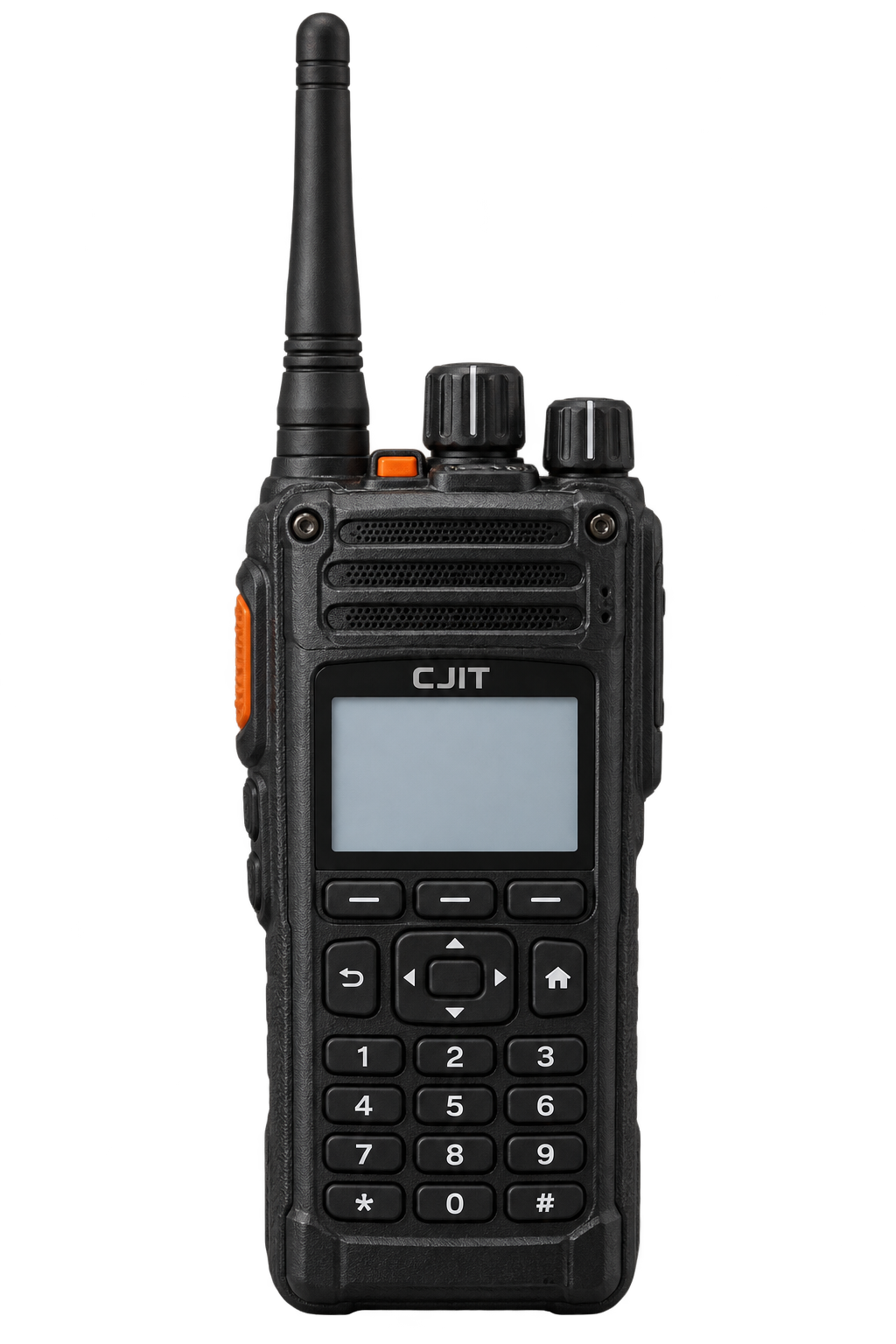
CJIT COMMUNICATIONS
Audio
Station
Help
Ask an administrator to connect the CJIT Radio Gateway to enable voice.
Administrator Console
HANDHELD
Enlarge radio face
Power on and sign on radio
Next channel · channel selector
Request station assistance
Radio key · channels
Radio key · scan
Radio key · contacts
Previous channel
Next channel
Home · clear unit entry
Open messages
Enter 1
Enter 2
Enter 3
Enter 4
Enter 5
Enter 6
Enter 7
Enter 8
Enter 9
Clear unit entry
Enter 0
Call entered unit
Connect selected channel
Hold side PTT to talk
Power on
Connect
Scan
Operations · CH 01
Dispatch 1
HOLD TO TALK
SPACE / PUSH-TO-TALK
POWER OFF
0/4 MON
Use the buttons on the radio, or the controls below it. Hold PTT to talk.
85%
Press the power button or Sign on to identify this unit.